



Can You Walk Around in Microsoft Flight Simulator 2024?
The walkaround mode is a new feature of Microsoft flight simulator 2024 that brings a new dimension of immersion.
The latter is how the players can exit the cockpit and walk around the airports, cities, and environments around the world. The walkaround experience has six major components as identified below.
1. First and Third-Person Perspectives
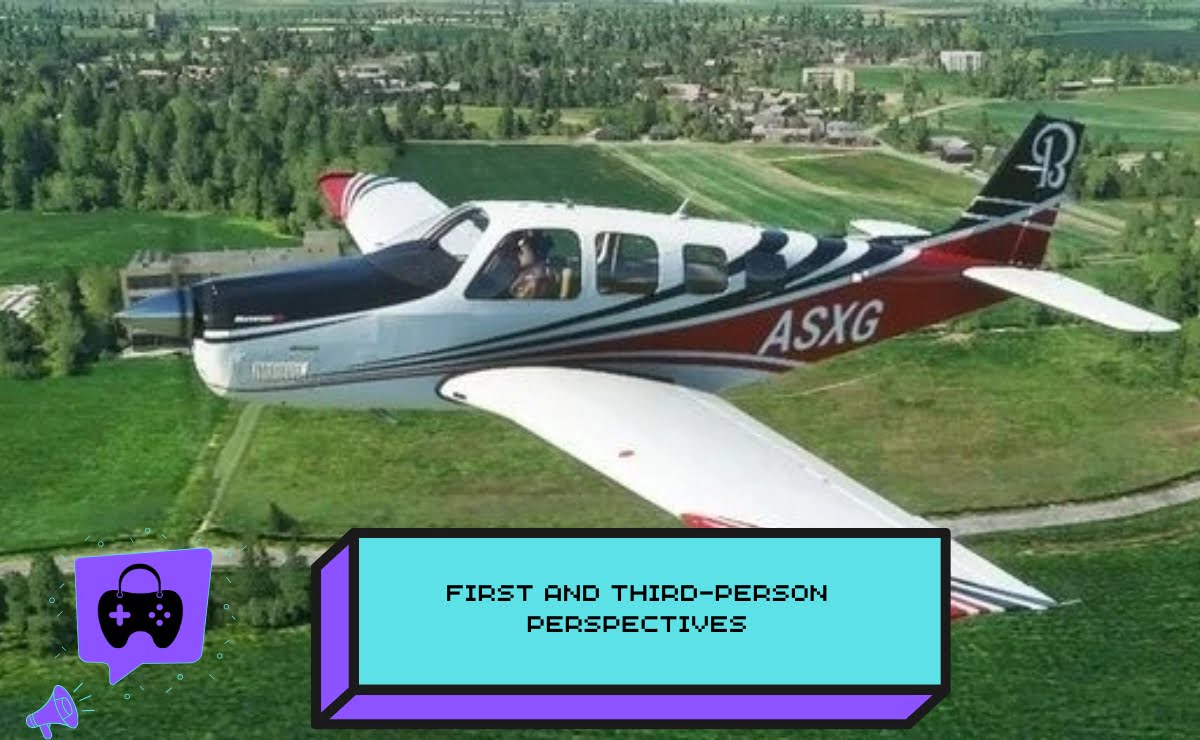
To begin with, walkaround mode allows first-person and third-person views, which allows the player the freedom to view the world in various angles.
As a result, you have the opportunity to study aircraft information more closely or have a wider perspective of the surroundings during exploration.
2. Pre-Flight Aircraft Inspections
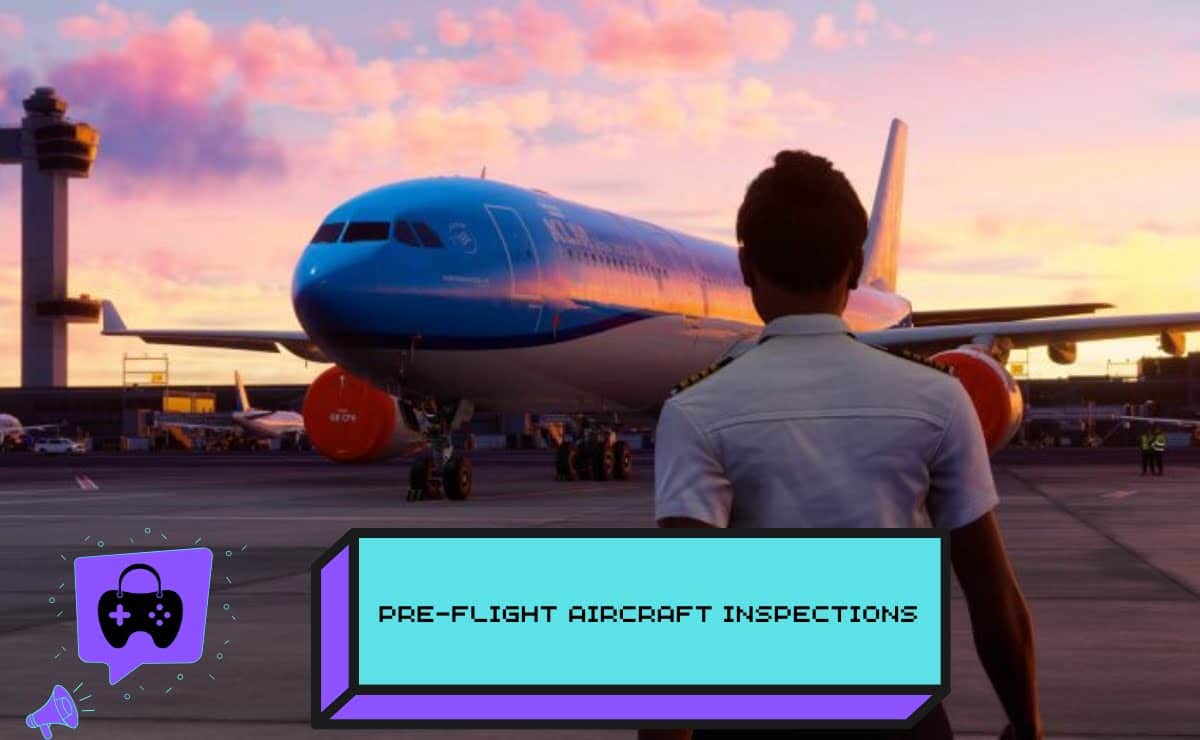
Secondly, this mode is pre-flight inspection. Players have an opportunity to inspect their planes, the engines, landing gears, and other important parts before they take off.
Thus, it introduces realism and the preparation strategy to the simulating experience. Also, see this review by GamesRadar to know more about the pre-flight aircraft inspections.
3. Exploring Airports
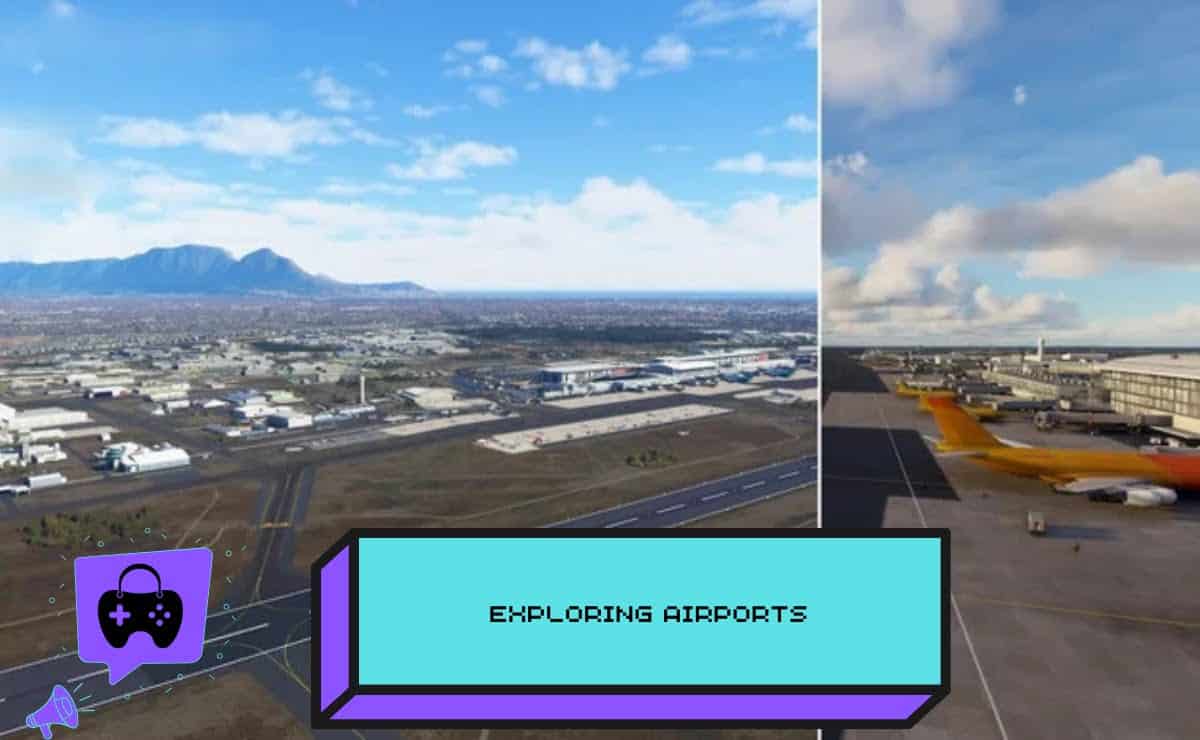
Thirdly, even airports become entirely visitable locations. You are able to move about terminals, runways and hangars and see what happens on the ground and the other planes.
This therefore makes the game more extensive than the flying alone providing players with a more detailed aviation simulation.
4. The Natural and Urban Environment
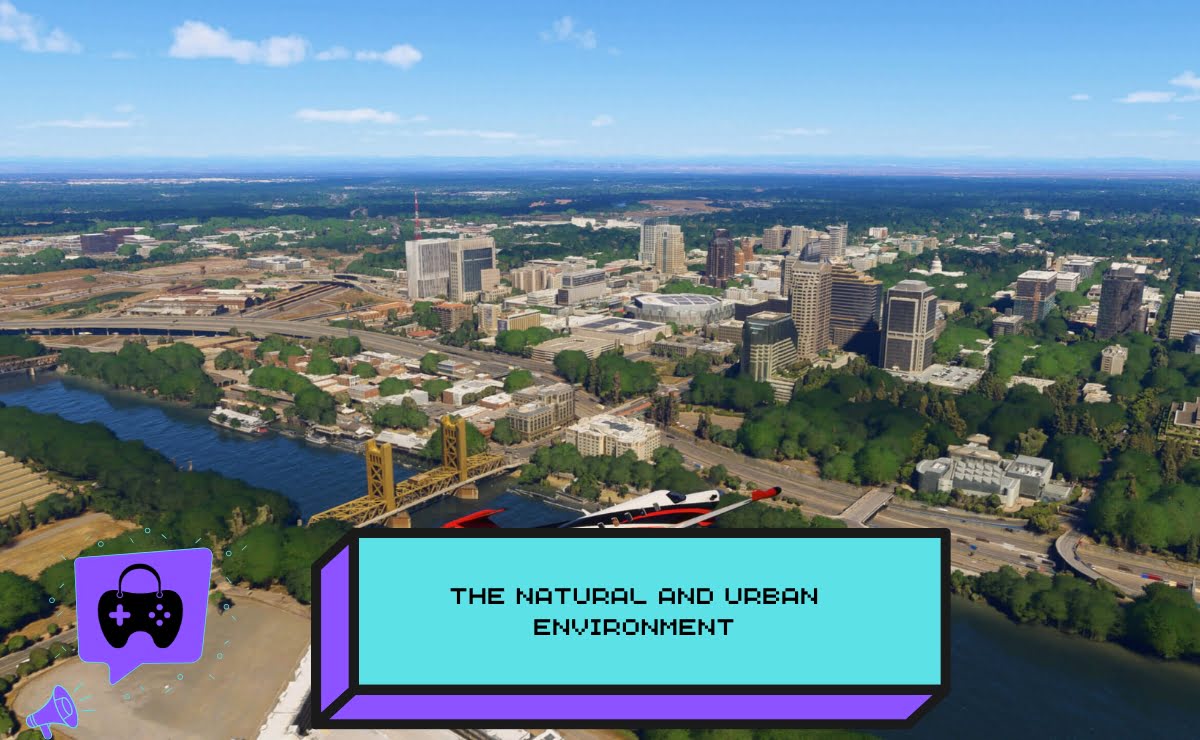
Next, the walkaround mode can be expanded to other places in the simulation such as cities, forests, among others.
Gamers have a chance to hike through environments, explore the details, and enjoy the detailed world design. Thus, it adds more immersion and gives a chance to explore sightseeing other than the conventional flight.
5. Aircraft Systems Interaction
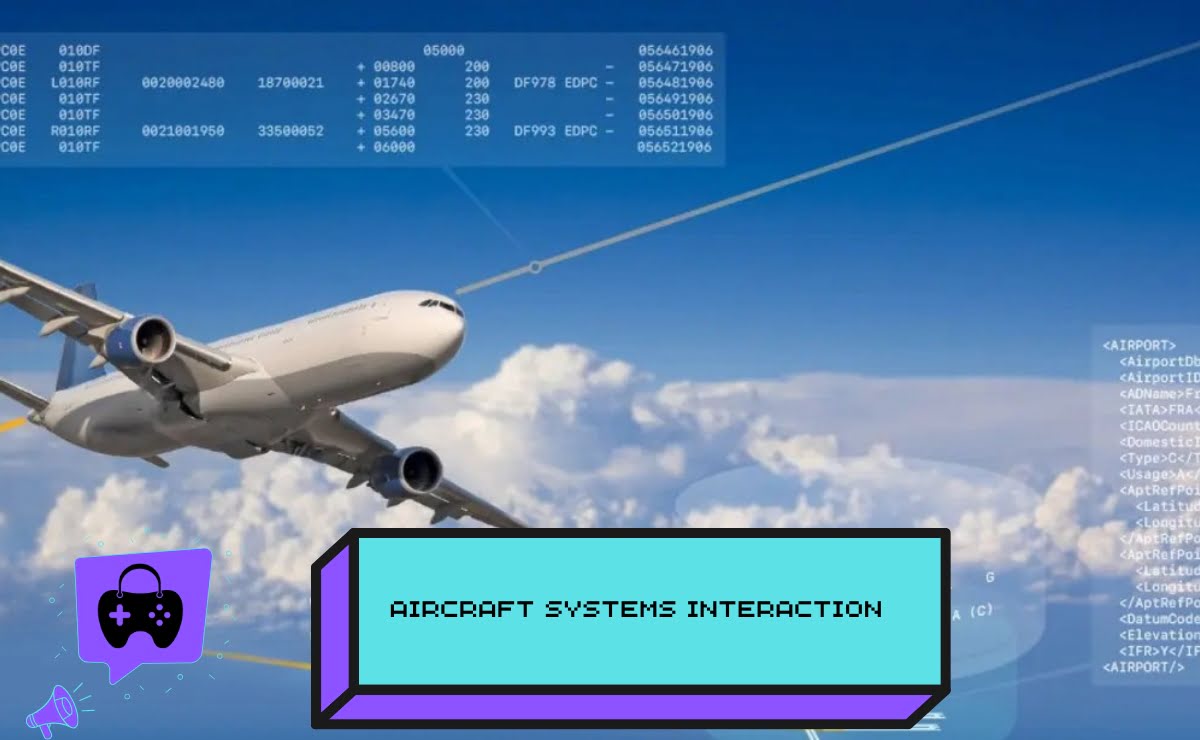
Lastly, some aircraft communications can be made when walking around. You are able to inspect panels, interact with doors or place yourself to do manual work on planes.
Therefore, this mode is more interactive compared to exploration since it incorporates the use of simulating practical aspects.
6. Discovery and Replayability
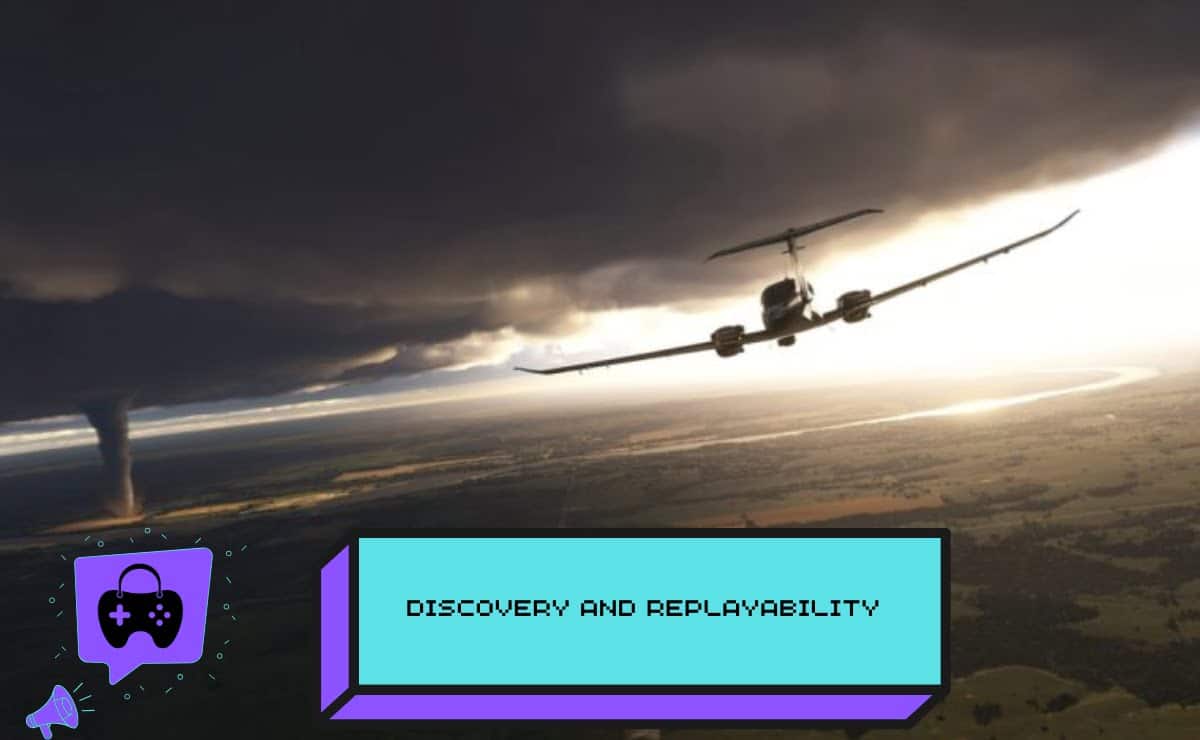
Lastly, walkaround mode adds replay value. Going on a walk around airports and cityscapes can show aspects that could not be seen when flying.
Thus, players can enter the same place many times to experience the locations and airplane designs in their full beauty.
Visit the following link and get to know more about the game.

How to Get Out of Walkaround Mode in Microsoft Flight Simulator 2024?
It is equally important to know how to leave walkaround mode as it is to explore the walkaround mode.
The controls on Microsoft Flight Simulator 2024 Ps5 are simple enough to enable one to switch between walking and flight.
· Keyboard Controls
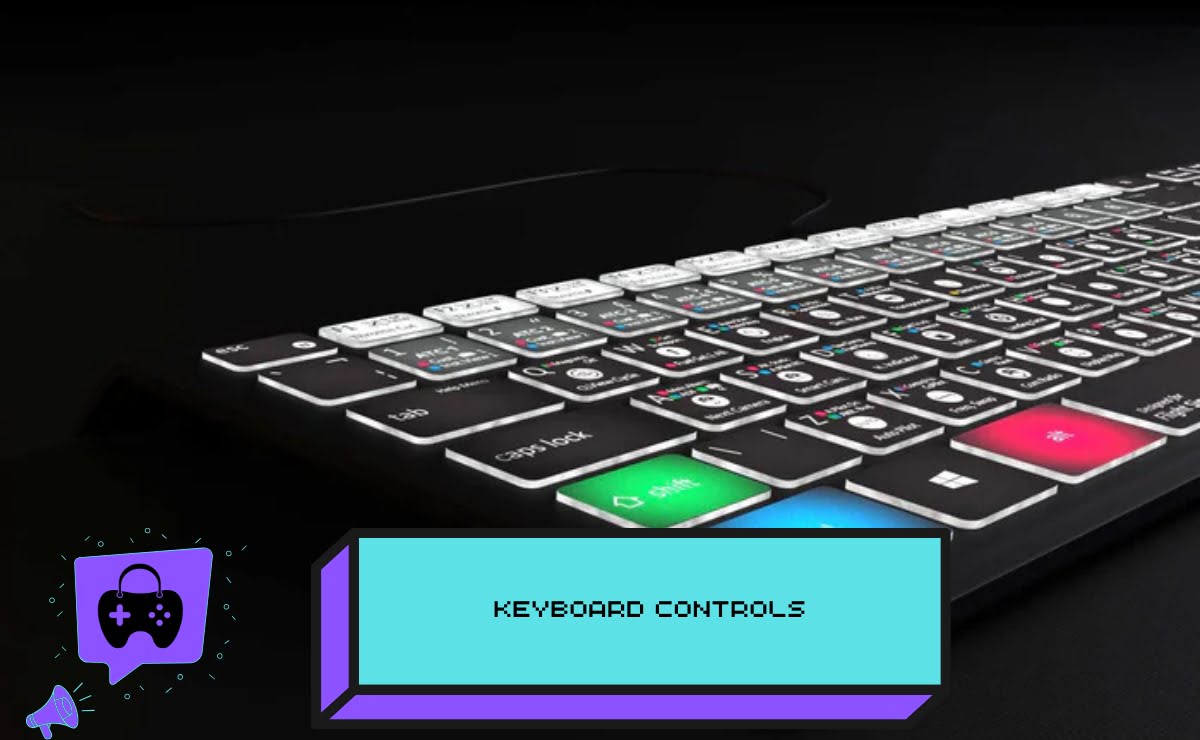
To start with, the default keyboard shortcut to switch to the walkaround mode is [SHIFT] + [C] by the PC players.
A re-initiation of this assignment will restore you back to the cockpit and you will resume flying without any problems.
· Xbox Controller Controls
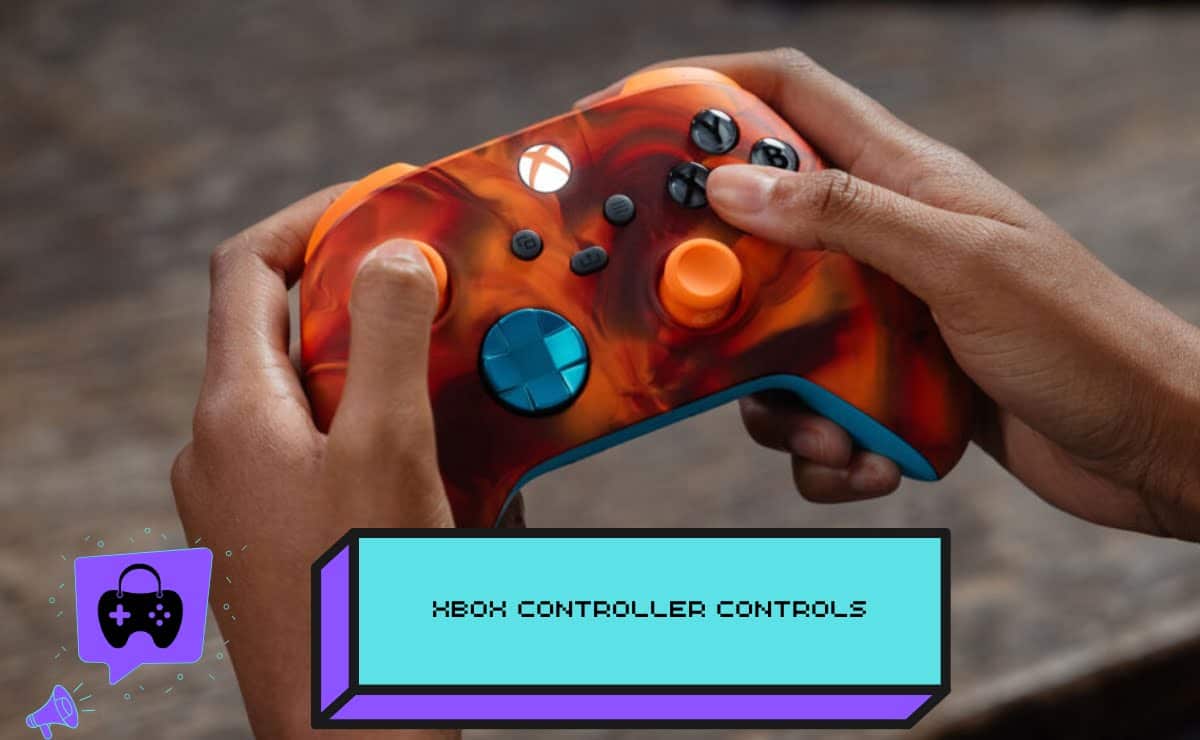
Secondly, players who play with an Xbox controller can leave walkaround mode by pressing [LB] + [B].
This gives the same functionality as the keyboard, which keeps the platforms consistent.
· Be in Control
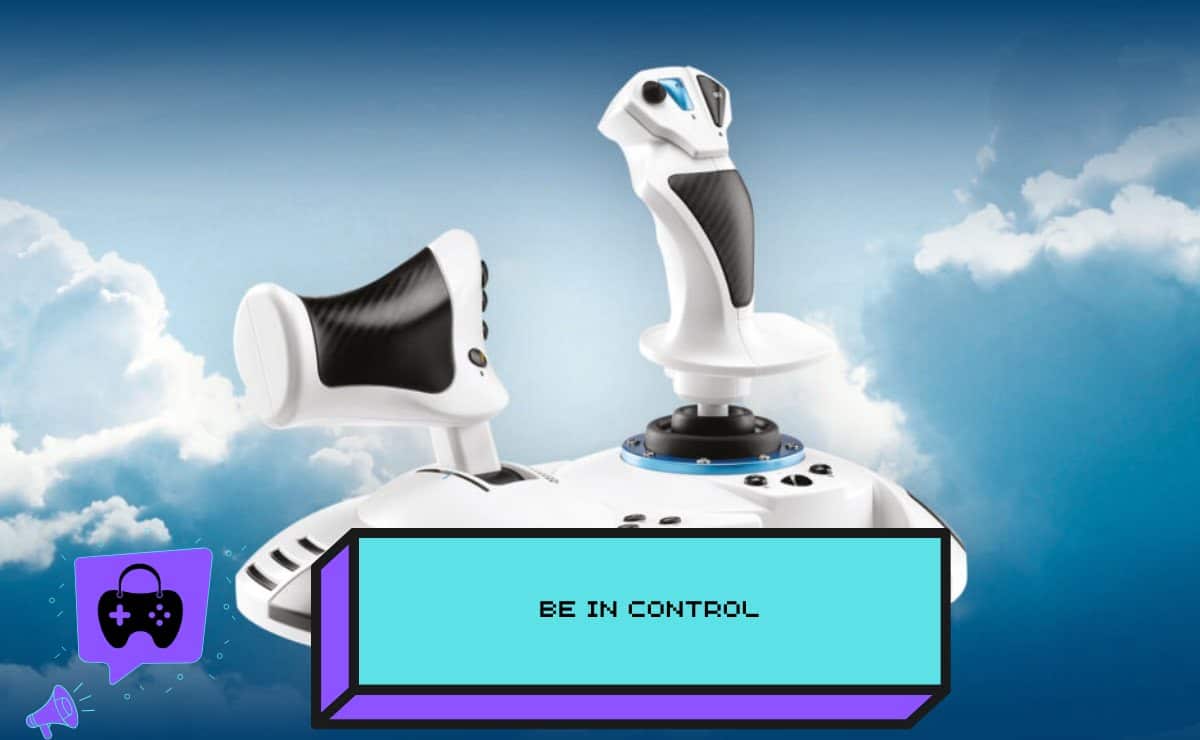
Finally, both strategies are based on Take Control of Character control assignment. This can be remapped in settings.
As a result, it becomes natural and easy to switch between walking and flying, and individual preferences can be customized.
The walkaround mode in Microsoft Flight Simulator 2024 gives a player an exclusive chance to walk around aircraft, airports, and other global settings.
In summary, it is important to learn how to leave the mode with keyboard or controller shortcuts so that the way back to the flight can be easy. Thus, walkaround mode brings in fun and realism to make MSFS 2024 an even more interesting and more complex aviation simulator.
GameStore.Net is where you can purchase this game.



Aggiungi commento
Devi essere connesso per inviare un commento.